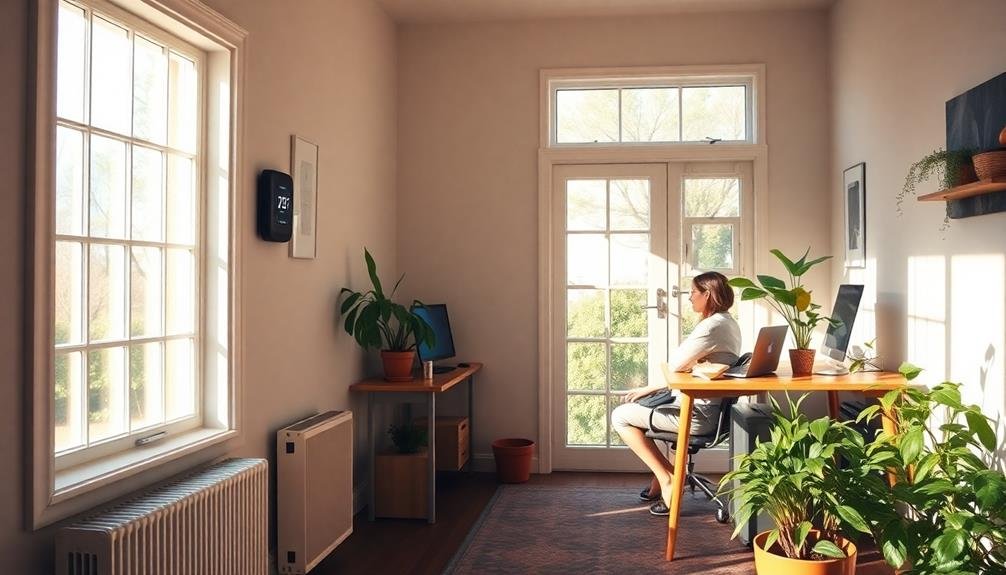
Heating your home office smarter, not harder, can save you energy and money while boosting comfort and productivity. You'll reduce heat loss by insulating walls, sealing windows, and using smart thermostats for targeted heating. Zone heating strategies and energy-efficient space heaters allow you to warm specific areas without wasting energy on unused spaces. Optimizing your computer's heat output and wearing layered clothing can provide personal warmth. Don't forget about humidity control for added comfort. By implementing these smart heating techniques, you'll create a cozy, efficient workspace that keeps you focused and your energy bills in check. Discover how small changes can make a big difference in your home office climate.
Understanding Home Office Heat Loss
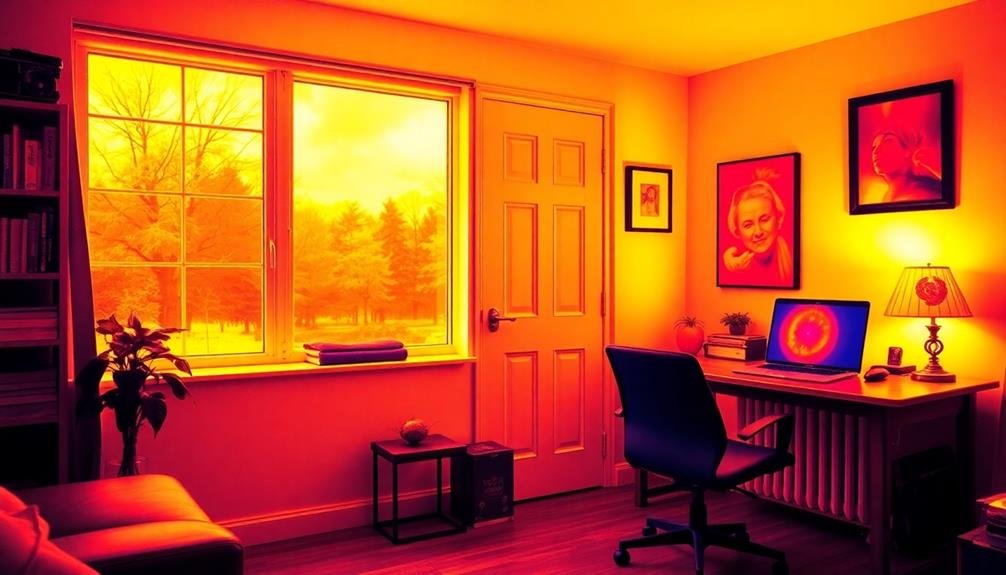
Why does your home office feel chilly even when the heat is on? Understanding heat loss is essential to maintaining a comfortable workspace. Your office loses heat through various paths, including windows, doors, walls, and the ceiling.
Windows are often the biggest culprits, responsible for up to 30% of heat loss. Single-pane windows are particularly inefficient, allowing heat to escape rapidly.
Doors, especially those leading outside or to unheated areas, can create drafts and let warm air escape. Walls and ceilings, if poorly insulated, contribute notably to heat loss through conduction.
Air leaks around electrical outlets, baseboards, and light fixtures can also cause heat to escape. These small gaps add up, creating a constant flow of warm air out of your office.
Additionally, your home's ventilation system can inadvertently remove heated air if not properly balanced.
To combat heat loss, start by identifying problem areas. Use a thermal camera or conduct a DIY test with incense to detect drafts.
Once you've pinpointed the issues, you can take targeted steps to improve your office's heat retention and energy efficiency.
Smart Thermostats for Targeted Heating
After identifying heat loss issues in your home office, it's time to contemplate smarter ways to control your heating. Smart thermostats offer a revolutionary approach to targeted heating, allowing you to optimize comfort and energy efficiency.
These devices learn your schedule and preferences, automatically adjusting temperatures throughout the day. You can create custom zones, ensuring your home office is warm when you're working and cooler when you're away.
Many smart thermostats integrate with voice assistants and smartphone apps, giving you remote control over your heating system. Some advanced models use occupancy sensors to detect when you're in the room, adjusting the temperature accordingly.
They can also factor in local weather forecasts to anticipate heating needs. You'll benefit from detailed energy reports, helping you identify patterns and potential savings.
When choosing a smart thermostat, consider compatibility with your existing HVAC system and desired features. Look for options with geofencing capabilities, which use your phone's location to adjust temperatures as you come and go.
Insulation Techniques for Office Spaces
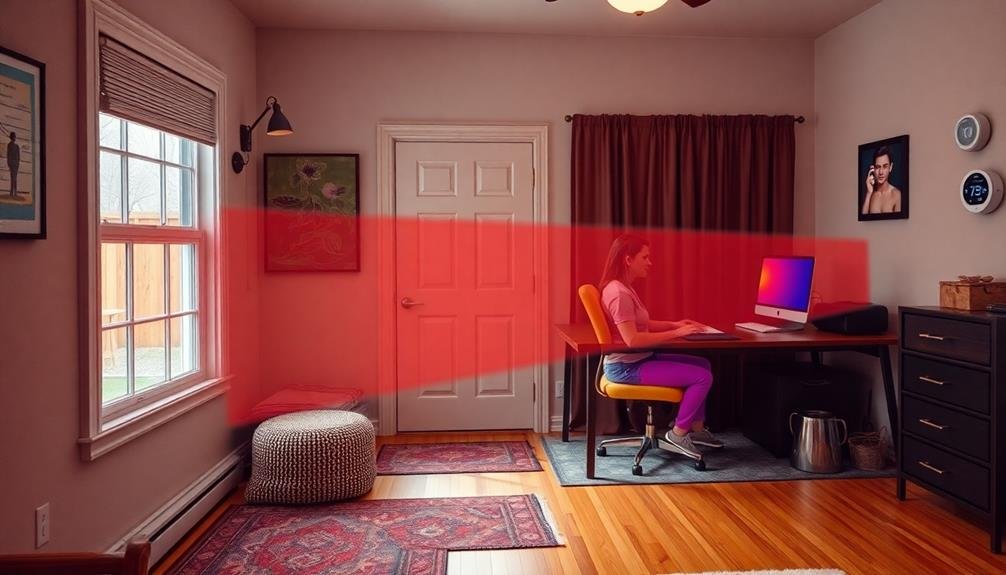
Four key insulation techniques can greatly improve your home office's energy efficiency and comfort.
First, focus on your walls. Apply spray foam or fiberglass batts between studs to reduce heat transfer. Don't forget to insulate electrical outlets and switch boxes, which can be significant sources of drafts.
Next, tackle your windows. Install double-pane or triple-pane windows for superior insulation. If replacement isn't an option, use weatherstripping and caulk to seal gaps. Add thermal curtains or cellular shades for an extra layer of protection against heat loss.
Third, don't overlook your floor. If your office is above an unheated space, insulate the floor joists with fiberglass batts. For concrete floors, consider installing a layer of rigid foam insulation beneath your flooring.
Lastly, pay attention to your ceiling. As heat rises, a well-insulated ceiling is essential. Add a layer of blown-in cellulose or fiberglass insulation in your attic space.
If you have recessed lighting, use insulation-compatible fixtures or create insulated boxes around them to prevent heat loss.
Zone Heating Strategies
Zone heating strategies can transform your home office comfort while cutting energy costs.
You'll achieve targeted warmth by focusing heat where you need it most, using portable heaters for flexibility.
This approach allows you to maintain a cozy workspace without wasting energy on unused areas of your home.
Targeted Warmth, Reduced Costs
Focusing on specific areas of your home office for heating can lead to significant energy savings and improved comfort. By targeting warmth where you need it most, you'll reduce overall energy consumption and lower your heating bills.
Start by identifying the areas where you spend the most time, such as your desk or reading nook. Use a space heater or radiant panel to provide direct heat to these spots, allowing you to keep the rest of the room at a lower temperature.
Consider investing in a heated seat cushion or footrest to maintain personal warmth without heating the entire space. These targeted solutions consume less energy than whole-room heating systems.
You can also utilize thermal curtains or shades to retain heat in specific areas and create a cozy microclimate around your workspace. Don't forget to seal any drafts or leaks in windows and doors to prevent heat loss.
Portable Heaters for Flexibility
Portable heaters offer an excellent solution for flexible heating in your home office, complementing the targeted warmth strategies we've discussed.
These versatile devices allow you to direct heat precisely where you need it, adapting to your changing workspace needs throughout the day.
When choosing a portable heater, consider factors like size, energy efficiency, and safety features.
Compact ceramic heaters are ideal for small spaces, while oil-filled radiators provide longer-lasting warmth.
Look for models with adjustable thermostats and multiple heat settings to fine-tune your comfort level.
Position your portable heater strategically to maximize its effectiveness.
Place it near your feet or under your desk for direct warmth, or aim it towards your seating area for broader coverage.
Remember to keep flammable objects at a safe distance and never leave the heater unattended.
Energy-Efficient Space Heaters
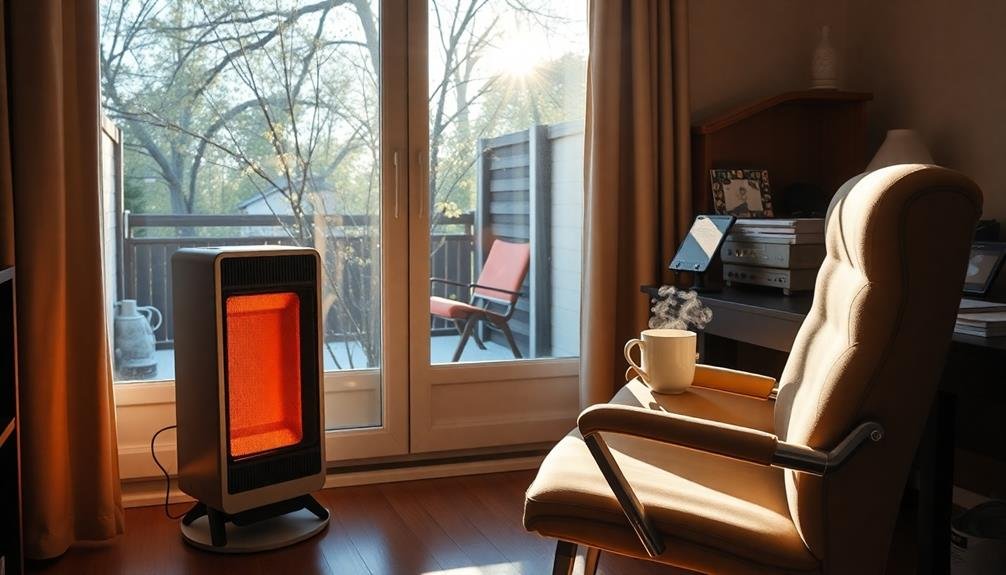
Energy-efficient space heaters offer a smart solution for warming your home office without breaking the bank. These devices are designed to maximize heat output while minimizing energy consumption, helping you stay comfortable and productive without inflating your utility bills.
When shopping for an energy-efficient space heater, look for models with advanced features like programmable thermostats, timers, and multiple heat settings. These allow you to customize your heating schedule and maintain ideal temperatures throughout your workday.
Consider ceramic heaters, which heat up quickly and distribute warmth evenly, or infrared heaters that provide targeted heat to specific areas.
Opt for heaters with energy-saving modes that automatically adjust output based on room temperature. Some models even have occupancy sensors that turn off when you leave the room.
Don't forget to check for safety features like tip-over protection and overheat shut-off.
To maximize efficiency, choose a heater sized appropriately for your home office space. Seal any drafts around windows and doors, and use thermal curtains to retain heat.
Harnessing Natural Sunlight
During the colder months, natural sunlight can be a powerful ally in heating your home office. To harness this free energy source, start by positioning your desk near south-facing windows. These windows receive the most direct sunlight throughout the day, providing both warmth and natural light.
Keep your curtains and blinds open during sunny hours to maximize heat gain. Consider installing thermal curtains or cellular shades, which you can close at night to retain the warmth. You can also use reflective surfaces like mirrors or metallic decorations to bounce sunlight around the room, increasing its heating effect.
If possible, rearrange your office layout to create a clear path for sunlight to reach darker areas. Remove obstacles that might block the sun's rays, and use light-colored paint on walls to reflect and distribute heat more effectively.
Don't forget about your floor; dark-colored rugs or carpets can absorb and retain heat from sunlight.
Proper Sealing of Windows
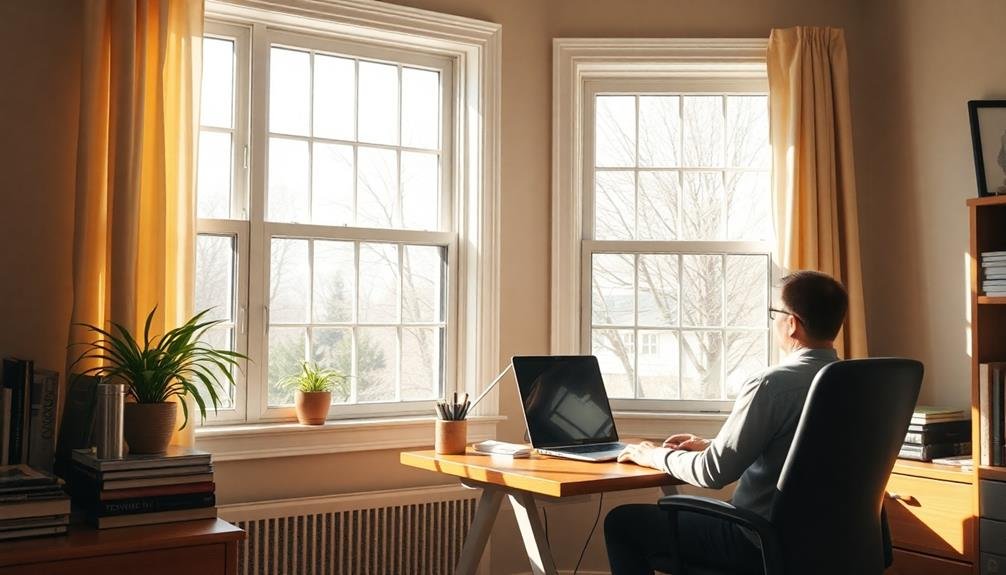
To effectively seal your home office windows, you'll first need to identify any air leaks around the frames and panes.
Once you've located the problem areas, choose appropriate sealants like caulk or foam for gaps and cracks.
Identify Air Leaks
Windows are often the culprits behind sneaky air leaks in your home office. To identify these energy-wasting gaps, you'll need to conduct a detailed inspection. Start by visually examining the window frames for cracks or gaps. Run your hand along the edges to feel for drafts. On a windy day, use a lit candle or incense stick to detect air movement around the windows.
For a more extensive assessment, consider using an infrared thermometer or hiring a professional energy auditor. They can pinpoint exact locations of heat loss and provide tailored solutions.
| Common Air Leak Locations | Detection Methods | Solutions |
|---|---|---|
| Window sashes | Visual inspection | Weatherstripping |
| Frame joints | Smoke test | Caulking |
| Gaps around panes | Infrared camera | Window film |
Once you've identified the leaks, take immediate action to seal them. Apply weatherstripping to movable parts and caulk for stationary gaps. For older windows, consider installing storm windows or replacing them entirely with energy-efficient models. By addressing these air leaks, you'll create a more comfortable work environment and reduce your energy bills considerably.
Choose Appropriate Sealants
Selecting the right sealants is essential for effectively sealing your home office windows. For wooden frames, choose a high-quality acrylic latex caulk. It's paintable, durable, and adheres well to wood surfaces.
If you're dealing with metal frames, opt for silicone-based sealants. They're flexible, weather-resistant, and bond strongly to metal.
For gaps larger than 1/4 inch, use foam backer rods before applying caulk. This guarantees proper depth and prevents waste. When sealing around window edges, select a clear silicone sealant for a clean, invisible finish.
For exterior applications, choose an elastomeric sealant that can withstand temperature fluctuations and UV exposure.
Don't forget to check the temperature range on the sealant's label. Some products won't cure properly in extreme cold or heat.
Always clean and dry surfaces before applying sealants. Remove old caulk and debris to guarantee a strong bond. Use a caulk gun for precise application, and smooth the bead with a wet finger or caulk tool.
Allow the sealant to cure fully before exposing it to moisture or painting. By choosing appropriate sealants and applying them correctly, you'll greatly improve your home office's energy efficiency and comfort.
Apply Weatherstripping Techniques
Applying weatherstripping techniques is essential for properly sealing your home office windows. Start by thoroughly cleaning the window frames and sills to guarantee a strong adhesion.
Next, measure the perimeter of each window and cut the weatherstripping to fit. For casement windows, apply foam tape along the edges where the window meets the frame. Use V-strip weatherstripping for double-hung windows, placing it along the sides and top of the window frame.
For sliding windows, install pile weatherstripping in the channels where the window slides. Don't forget to seal the bottom of the window with a door sweep or vinyl bulb weatherstripping.
When applying adhesive-backed weatherstripping, remove the backing gradually as you press it firmly into place. For metal windows, consider using tubular gasket weatherstripping for a tighter seal.
Test your work by closing the window and feeling for any drafts. If you notice gaps, adjust or replace the weatherstripping as needed.
Remember to check and maintain your weatherstripping annually, as it can wear out over time. By properly applying these techniques, you'll greatly reduce heat loss and improve your home office's energy efficiency.
Radiant Floor Heating Options
Among the various heating options for your home office, radiant floor heating stands out as a luxurious and efficient choice. This system works by installing heating elements beneath your flooring, which radiate warmth upwards, creating a comfortable and evenly heated space.
You'll find two main types of radiant floor heating: electric and hydronic. Electric systems use heating cables or mats and are ideal for smaller areas or retrofitting existing spaces. They're easier to install but may have higher operating costs.
Hydronic systems, on the other hand, circulate heated water through pipes and are more cost-effective for larger areas or whole-house heating.
When considering radiant floor heating, factor in your flooring material. It works well with tile, stone, and concrete, but can also be used with engineered wood or luxury vinyl.
The installation process varies depending on whether you're building new or renovating. For new construction, the heating elements can be embedded directly in the concrete slab. In renovations, you might opt for systems that can be installed over existing subfloors.
While the initial investment may be higher than traditional heating methods, you'll enjoy long-term energy savings and superior comfort in your home office.
Heat-Reflecting Window Treatments
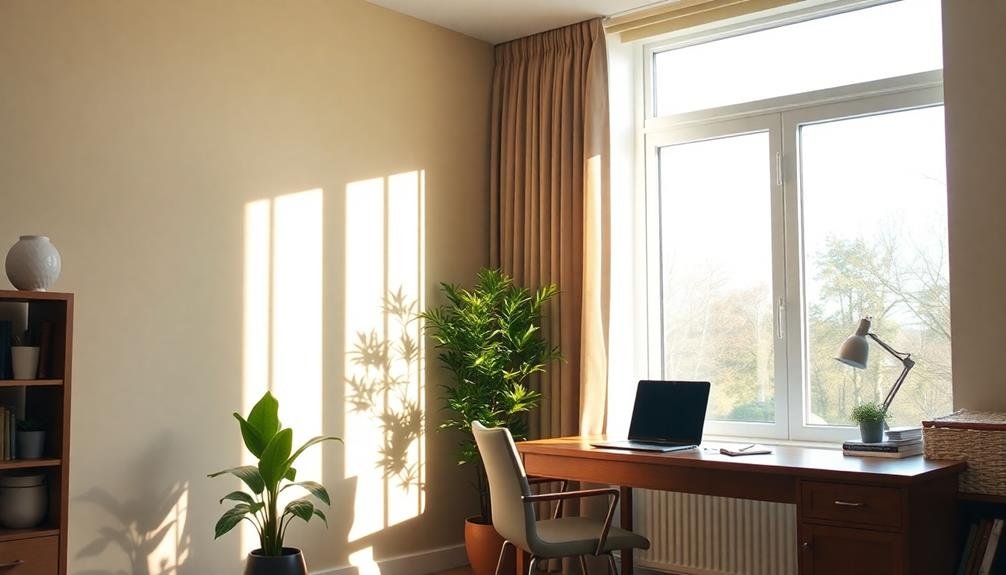
After addressing your flooring, it's time to turn your attention to your windows. Heat-reflecting window treatments can greatly impact your home office's temperature regulation and energy efficiency.
These treatments work by reflecting heat back into the room during winter and blocking it from entering during summer.
You'll find various options to suit your needs and style. Thermal curtains are a popular choice, featuring multiple layers of fabric with insulating properties. They're easy to install and come in numerous designs.
Cellular shades, also known as honeycomb shades, trap air in their unique structure, creating an effective barrier against heat transfer. For a more permanent solution, consider installing reflective window film. This thin, transparent layer adheres directly to your windowpane, reducing heat loss and gain year-round.
When selecting heat-reflecting window treatments, consider factors like your climate, window size, and desired aesthetics.
You'll also want to think about how much natural light you need in your workspace. By choosing the right window treatments, you can maintain a comfortable temperature in your home office while potentially lowering your energy bills.
Optimizing Computer Heat Output
Consider your computer as a potential heat source for your home office.
You can maximize CPU cooling efficiency by regularly cleaning vents and fans, ensuring proper airflow around your system.
Additionally, strategically place your computer to direct its heat output where it's most beneficial, such as near your workspace or in a central location within the room.
Maximize CPU Cooling Efficiency
In light of heating your home office, optimizing your computer's heat output can be a clever strategy. However, to maintain your computer's longevity and performance, you'll need to maximize CPU cooling efficiency. This balance guarantees your computer contributes to room warmth without overheating.
Start by cleaning your computer's vents and fans regularly. Dust accumulation can greatly reduce cooling efficiency, forcing your system to work harder and potentially shortening its lifespan.
Consider upgrading to a more efficient CPU cooler, such as a liquid cooling system or a high-performance air cooler. These can dissipate heat more effectively, allowing your CPU to run at higher temperatures safely.
Optimize your computer's airflow by arranging internal components strategically. Confirm cables are neatly managed and don't obstruct air circulation. If you're using a desktop, position it in a way that doesn't restrict airflow around the case.
Monitor your CPU temperatures using software tools and adjust your computer's performance settings accordingly. You can often find a sweet spot where your CPU generates enough heat to warm your office without compromising system stability or longevity.
Strategic Computer Placement Tips
With your CPU cooling optimized, it's time to focus on strategic computer placement to maximize heat output in your home office.
Position your computer tower in a central location, allowing warm air to circulate throughout the room. Avoid placing it near windows or external walls, which can lead to heat loss. Instead, opt for an interior wall to retain warmth more effectively.
Consider elevating your computer slightly off the floor to improve airflow and heat distribution. This can be achieved using a small stand or shelf. Make certain there's enough clearance around the tower for proper ventilation, preventing overheating while still benefiting from its warmth.
To make the most of your computer's heat output, follow these tips:
- Face your monitor towards you, allowing its heat to warm your workspace directly.
- Position your keyboard and mouse closer to maximize the warmth from your hands.
- Use a laptop stand to angle the device, directing heat towards your upper body.
- Place a small fan behind your computer to gently push warm air into the room.
Layered Clothing for Personal Warmth

Numerous home office workers overlook a simple yet effective way to stay warm: layered clothing. By dressing strategically, you'll reduce your reliance on costly heating systems and maintain comfort throughout the day.
Start with a moisture-wicking base layer, such as thermal underwear or a lightweight, long-sleeved shirt. This will keep sweat away from your skin, preventing chills.
Next, add an insulating mid-layer, like a fleece sweater or wool cardigan. These materials trap heat effectively without adding bulk.
For your outer layer, opt for a light jacket or vest that you can easily remove if you get too warm.
Don't forget about your extremities: wear warm socks, and keep a pair of fingerless gloves handy for typing. A cozy beanie or headband can prevent heat loss through your head.
Remember to adjust your layers as needed throughout the day. You might start the morning fully bundled up but find yourself shedding layers as your body warms up or the room temperature rises.
Humidity Control for Comfort
Humidity's role in home office comfort often goes unnoticed. Yet, it's a vital factor in creating a pleasant work environment. When the air is too dry, you'll feel colder than the actual temperature suggests. Conversely, excess moisture can make you feel uncomfortably warm and clammy. To maintain ideal humidity levels, aim for 30-50% relative humidity in your home office.
Invest in a hygrometer to monitor humidity levels accurately. If the air is too dry, use a humidifier to add moisture. In humid conditions, a dehumidifier can help remove excess moisture. Remember to clean these devices regularly to prevent mold growth.
Proper humidity control can have a significant impact on your well-being:
- Reduced risk of respiratory issues and allergies
- Improved skin health and comfort
- Enhanced cognitive function and productivity
- Better protection for your office equipment and furniture
Low-Energy Desk Heating Solutions
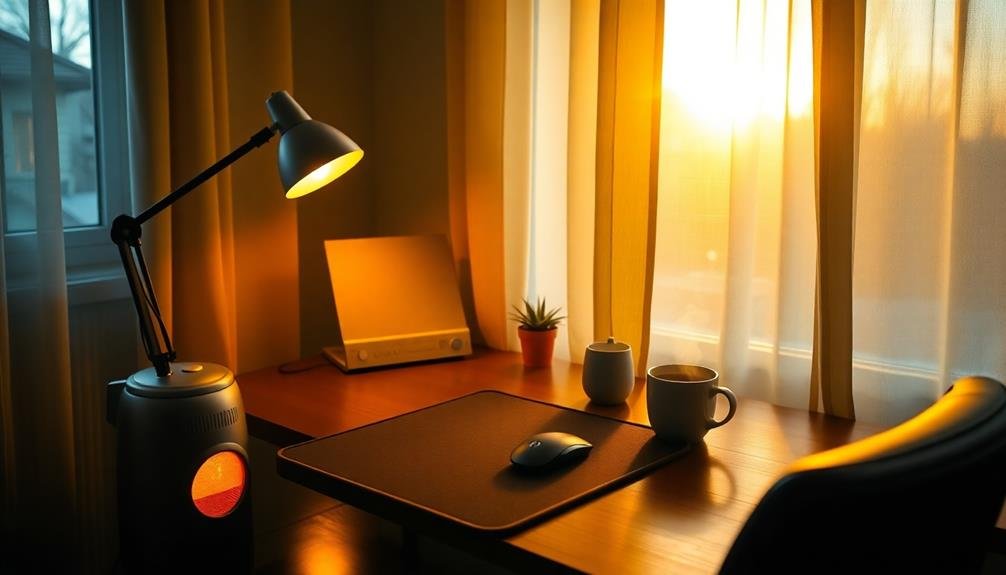
While maintaining proper humidity is important, keeping your workspace warm during colder months is equally essential. Low-energy desk heating solutions offer targeted warmth without greatly increasing your energy bills. These options focus on heating your immediate work area rather than the entire room.
Consider these efficient desk heating solutions:
| Solution | Benefits |
|---|---|
| Heated mouse pad | Warms hands while working |
| Heated keyboard | Keeps fingers comfortable |
| Under-desk heater | Provides warmth to legs and feet |
| Heated seat cushion | Offers direct body warmth |
You'll find that these devices consume less energy than traditional space heaters while providing personalized comfort. USB-powered options are particularly convenient, drawing power directly from your computer. Some even come with adjustable temperature settings, allowing you to fine-tune your comfort level.
When choosing a desk heating solution, consider your specific needs and workspace layout. Combine multiple low-energy options for thorough warmth. Remember, the goal is to create a cozy, productive environment without overheating the entire room. By focusing on your immediate work area, you'll stay comfortable and energy-efficient throughout the colder months.
Frequently Asked Questions
How Does Air Circulation Affect Home Office Heating Efficiency?
Air circulation greatly impacts your home office heating efficiency. You'll find that proper airflow distributes warmth evenly, reduces cold spots, and prevents stagnant air. It's crucial to use fans or open vents to keep the air moving effectively.
Can Smart Home Devices Integrate With Office Heating Systems?
Yes, you can integrate smart home devices with your office heating systems. You'll gain better control over temperature, scheduling, and energy usage. Smart thermostats, sensors, and voice assistants can work together to optimize your heating efficiency and comfort.
What Are the Health Implications of Different Heating Methods?
You'll find that different heating methods can impact your health. Dry air from forced-air systems may cause respiratory issues, while radiant heating's even warmth can improve comfort. Proper ventilation is essential to avoid indoor air pollution with any method.
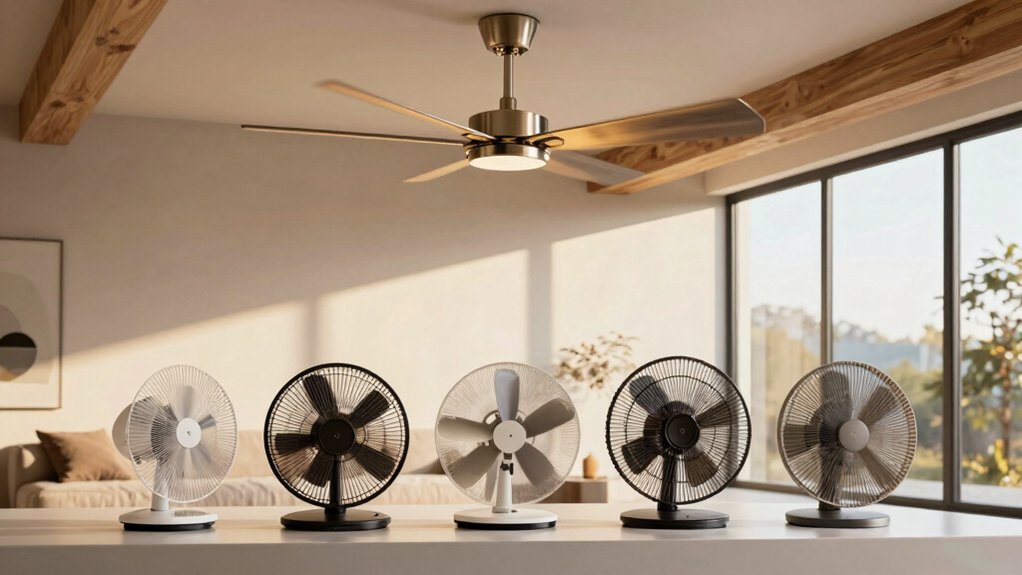
How Do Ceiling Fans Impact Heat Distribution in a Home Office?
Ceiling fans can greatly impact heat distribution in your home office. They'll circulate warm air downward, helping you feel warmer without raising the thermostat. You'll experience more even heating and potentially save on energy costs.
Are There Eco-Friendly Alternatives to Traditional Heating Fuels for Home Offices?
You'll find several eco-friendly heating alternatives for your home office. Consider solar panels, geothermal systems, or biomass boilers. You can also use energy-efficient heat pumps, infrared heaters, or even passive solar design to reduce your carbon footprint.
In Summary
You've now got a toolbox of smart heating strategies for your home office. By combining efficient insulation, smart thermostats, and targeted heating solutions, you'll stay warm without breaking the bank. Don't forget to leverage your computer's heat output and dress in layers. With these techniques, you're set to create a comfortable, energy-efficient workspace. Remember, it's about working smarter, not harder, when it comes to heating your home office.

Leave a Reply